Discover products from global leaders in education technologies


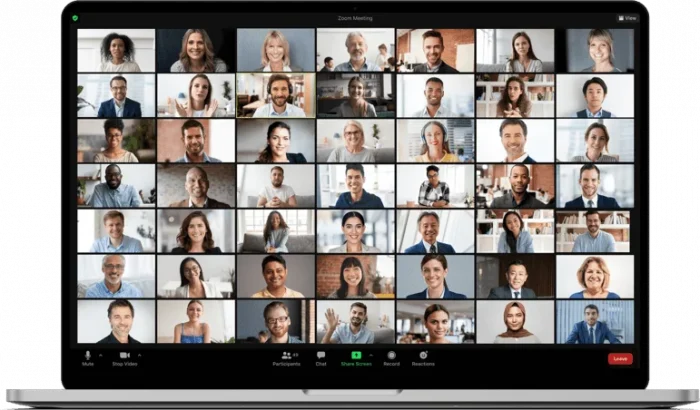
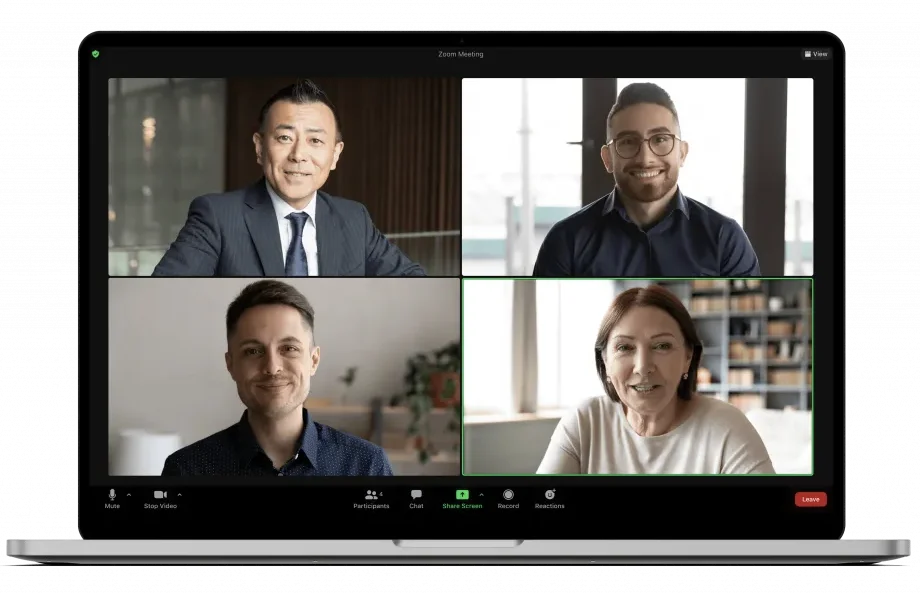
Our Video Conferencing System is used by many institutions in the world. It can be integrated with other video conferencing systems as well as providing 256 Bit Encrypted calls. The software, which is also a collaborative system, has features such as collaborative presentation, file sharing, remote application management, application sharing and recording. It works on Linux, Mac, Windows and Mobile devices.
Online Meetings, Education and Technical Support
Marketing Events and Corporate Business Meetings
Effective Conference Halls Create
Cross Platform Messages and File Sharing
Move H.323 / SIP Video Systems to the Cloud


Faster and more effective delivery of health services.
Video communication technologies also enable public personnel to receive training from their homes or places.
Solutions for disabled people's limited opportunities to work outside.
Video conferencing systems can also be accessed from Android and iOS mobile devices.
Video conferencing systems can provide working with video meetings even at low internet speeds.
Visual communication technologies enable instant communication and transfer status information in disaster and emergency management.
During the webinar, encourage webinar attendees to post questions that you and your co-hosts or panelists can answer after the presentation is complete. To increase participation, allow attendees to answer other attendees' questions and vote. Don't forget to review all questions posted after the webinar to help adapt the content for future webinars.
Once you have scheduled your webinar, scroll to the bottom of the page where you can select polls and/or surveys and create them for the event. Zoom Video Webinars allows you to launch up to 25 separate polls with a maximum of 10 questions per poll for each webinar.
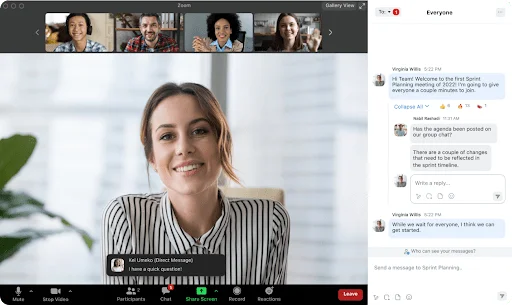
During the webinar, you can use the chat feature in a few different ways. You can allow attendees to chat with your panelists so that other attendees cannot see the messages, or you can open the chat to everyone so that both attendees and panelists can see messages and replies. A tip: If you don't want attendees chatting in the background during the webinar, you can disable chat and encourage them to use Q&A for all questions.
In some cases, you may want to do some impromptu polling to increase engagement. The "Raise Hand" feature allows your audience to quickly vote yes or no to your question. Questions like "How many of you need a coffee break right now?" can give you instant feedback and provide a change of pace for your audience.
Adding post-event research can provide great insights into how your session was perceived by the audience. Use survey questions to determine the level of engagement and what information resonated with the attendees.
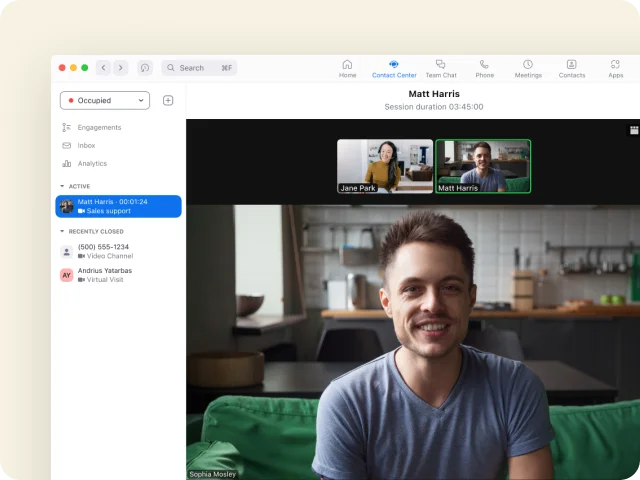
Zoom Contact Center offers a tailored solution specifically designed for call centers and businesses with high phone traffic.
Read More
An innovative and modern Cloud VoIP phone system with features like a user-friendly management interface and reporting.
Read More
Conduct video meetings and conferences with the touch of a single button in Zoom rooms.
Read More
Organize participant sessions for webinars and large meetings with up to 50,000 attendees with Zoom.
Read More
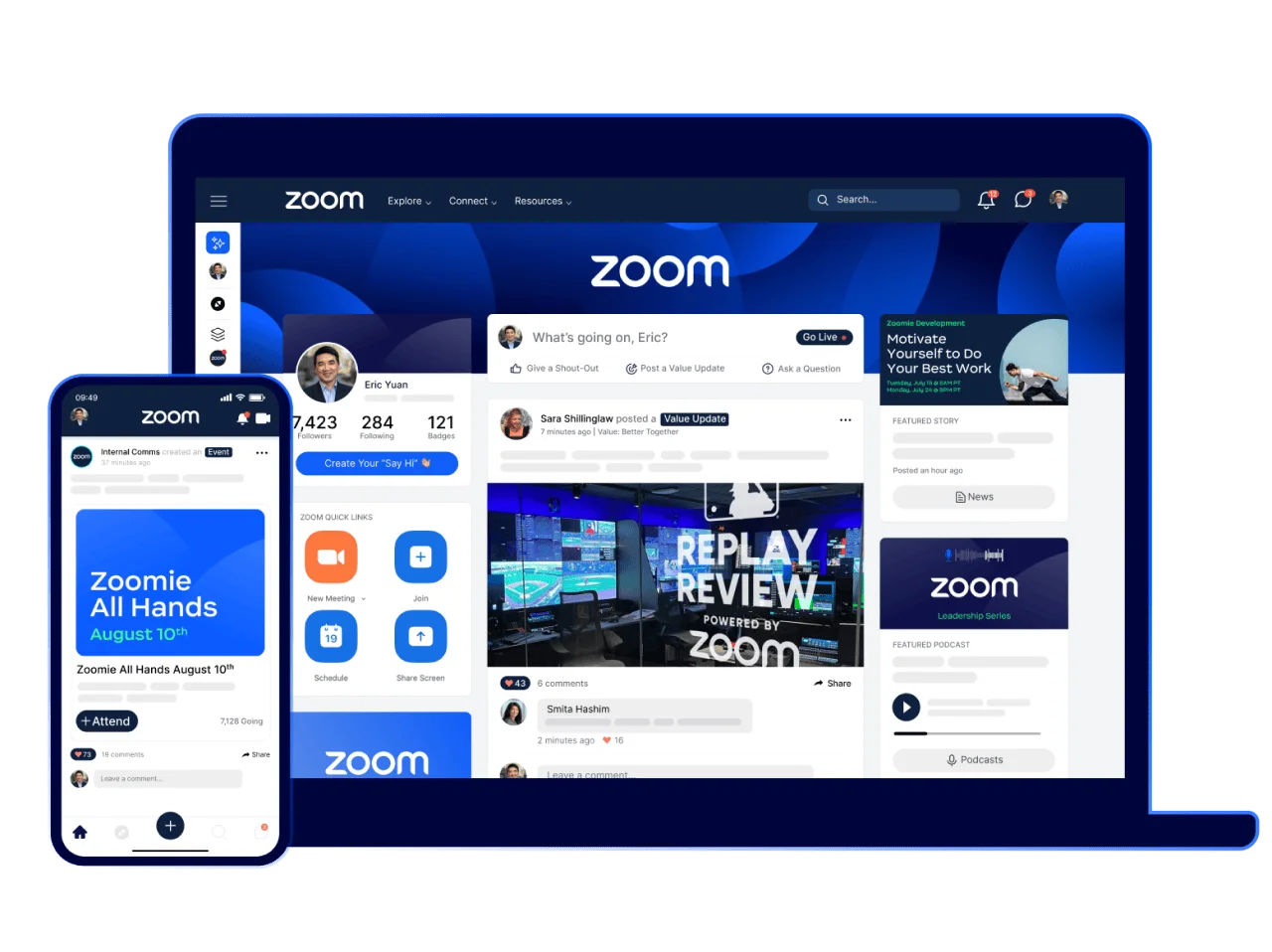
Zoom Workvivo is a platform that tries to simplify internal communication and encourages interaction.
Read More